Guide · Updated September 2026
App store optimization (ASO) checklist
App store optimization (ASO) has two halves: ranking for the searches that matter, and turning product page views into installs. This checklist covers both for the Apple App Store, in the order most listings should work through them.
1. Get the searchable fields right
Apple indexes the app name, the subtitle and the keyword field. Together they give you 160 characters to cover what people search for.
| Field | Limit | Use it for |
|---|---|---|
| App name | 30 | Brand plus the core use, if it fits naturally |
| Subtitle | 30 | The one-line reason to install, with a main keyword |
| Keyword field | 100 | Terms not already used in the name or subtitle |
2. Follow the keyword field rules
- Separate terms with commas and no spaces, since spaces use characters.
- Do not repeat a word that is already in the app name or subtitle.
- Skip your own brand name and the word “app”, which Apple already matches.
- Use single words where possible. Apple combines words across the three fields into phrases.
- Leave out competitor brand names, which break the App Store Review Guidelines.
3. Make the first screenshots do the selling
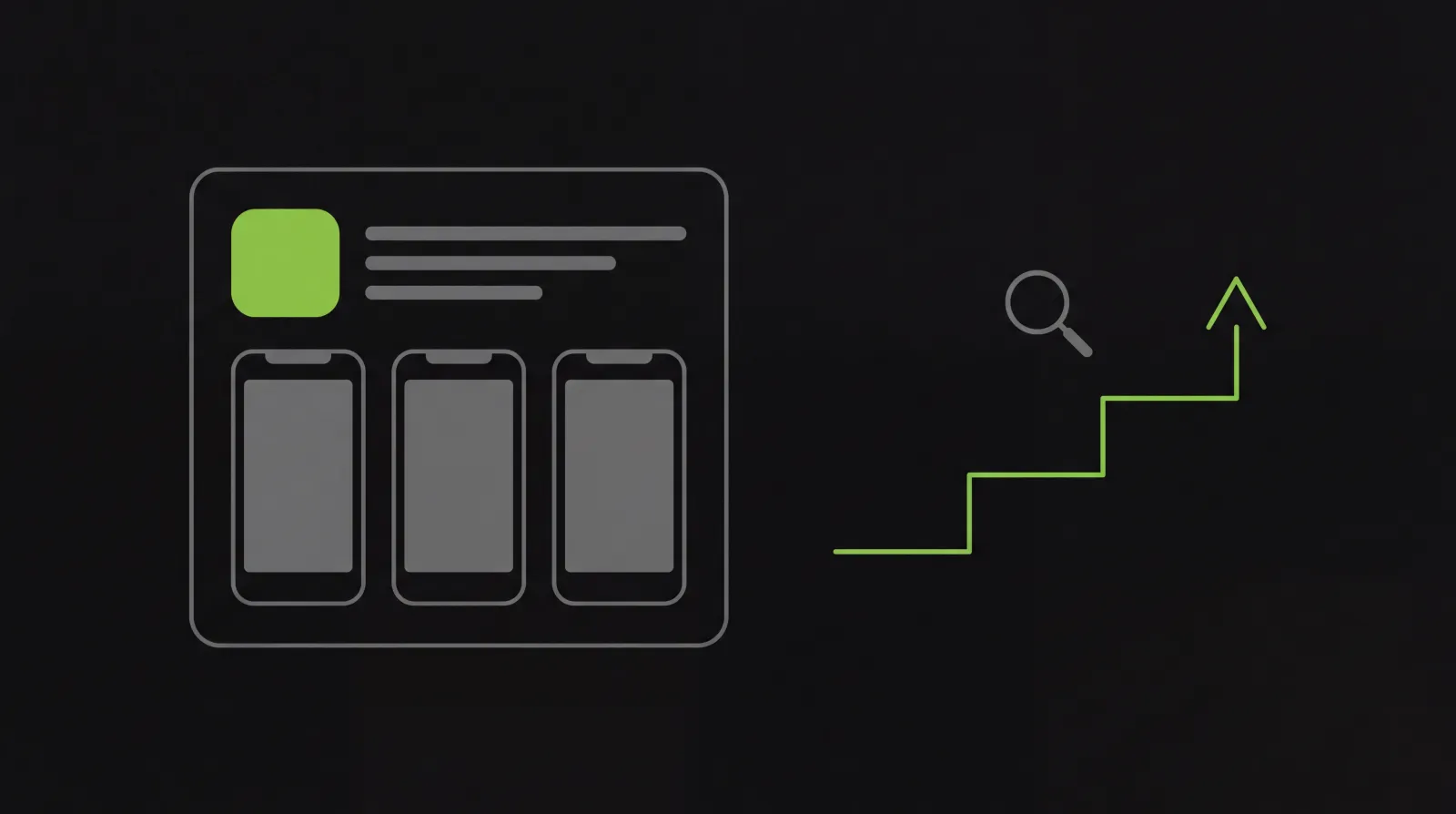
Many visitors decide from the first two or three screenshots, often without scrolling. Lead with the outcome the app gives, add a short caption to each, and keep the order matching how someone would use the app. Apple accepts up to 10 screenshots per device size and up to three app preview videos.
4. Build ratings on purpose
Ask for a rating right after a user succeeds at something, using Apple’s built-in prompt, which the system shows up to three times a year per user. Reply to reviews in App Store Connect, especially the critical ones people read before installing.
5. Keep the listing current
Update the what’s-new text with every release so it says what changed. Promotional text can change any time without a new version, so use it for launches, seasons and features.
6. Test, then keep what wins
Product page optimization lets you test up to three alternative icons, screenshot sets or previews against your original. Custom product pages give different audiences, such as an ad campaign, their own version of the page.
7. Match the website to the listing
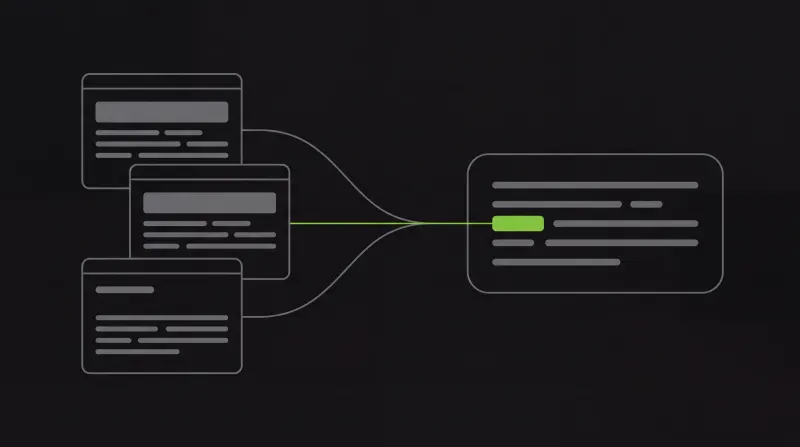
People and AI answers check your website as well as your listing. Keep the product name, the one-line description and the main claims the same on both. The GEO guide covers the web side.
Where PROMACHOS fits
Every week PROMACHOS reads the listing and site together, names the gaps (a thin subtitle, unused keywords, a stale what’s-new), and drafts the fixes into a queue. You review them and publish them yourself.